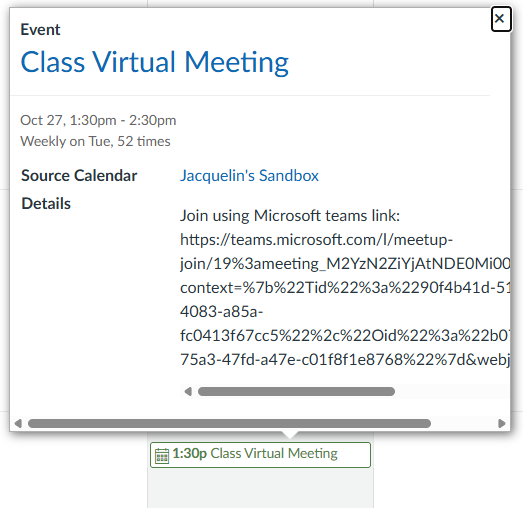

SCC uses Microsoft Teams for virtual class meetings and collaboration in online and hybrid courses in Canvas. Make sure you have Teams installed on your device before your first class session, please note the app in Canvas is called Microsoft Education.
If you haven’t already:
- Download and install Microsoft Teams on your device or use it in your web browser.
- Log in to teams using your Sandhills student email and password.
In Canvas:
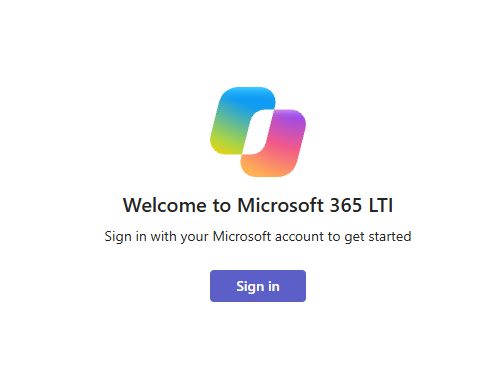
- Click Microsoft Education
- Sign in to your Sandhills account using MySCC credentials.
- Click Join on the right hand side. OR if your instructor as added it to your calendar as an Event, you can click the Meeting link there.
- Microsoft Education View

-
- Calendar View