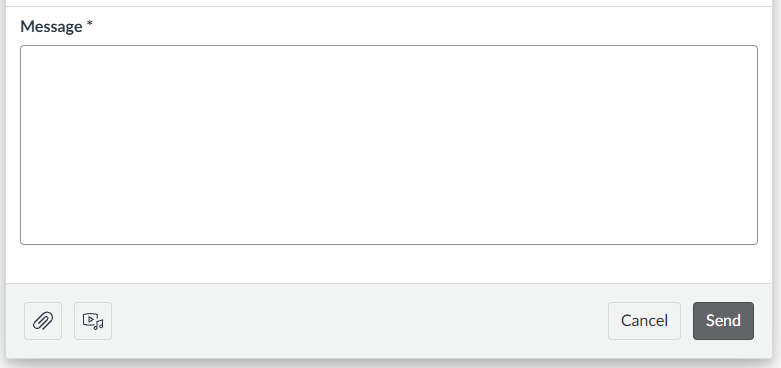

If you need to get in touch with your instructor, Canvas makes it easy to find their contact information and send them a message directly through the platform. Most instructors will list their preferred contact method, office hours, and availability in the course syllabus or on the course home page. Reaching out through Canvas Inbox ensures your message goes directly to your instructor without getting lost in outside email.
- Check the Syllabus first, most instructors post their contact information and office hours.
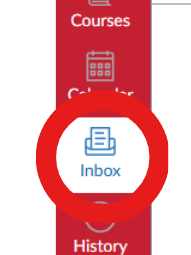
- To send your instructor a message directly, click the Inbox icon in the global navigation on the left.
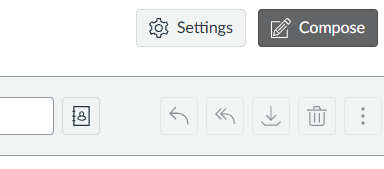
- Click Compose in the top right.
- Click the course in the dropdown and select the course you want.
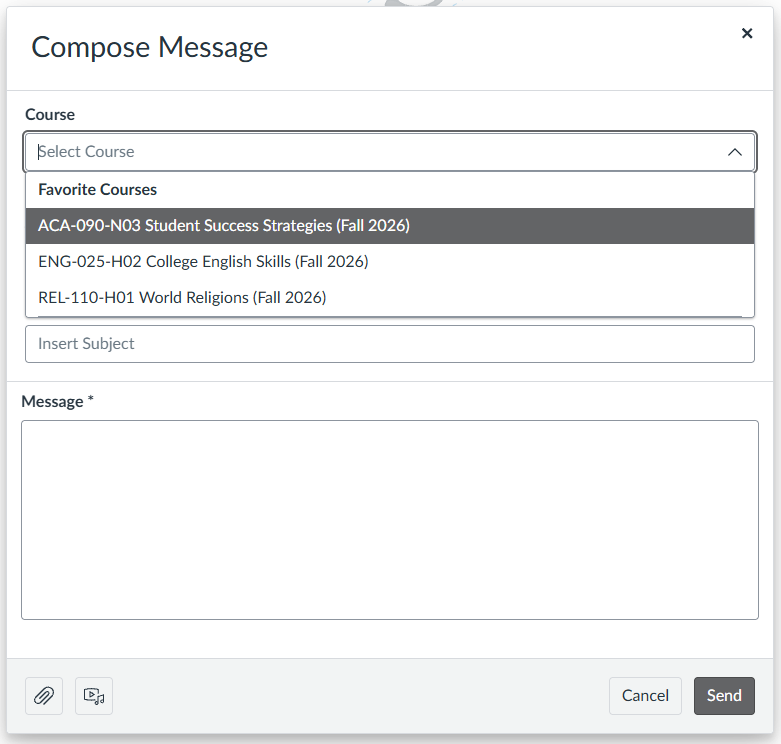
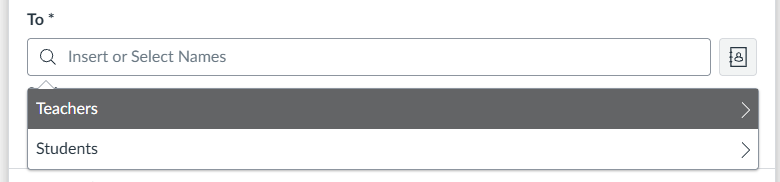
- In the To field, type your instructors name or select Teachers from the list that appears.
- Type your subject and message, then click Send.