

Your instructor will use Announcements to share important course updates, reminders, and news directly with the class. Announcements are one of the most important things to check regularly in Canvas, as your instructor may post changes to due dates, class cancellations, or other time-sensitive information there.
- Click Announcements in the course navigation menu.
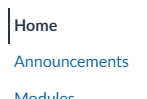
Please note: If you do not see Announcements on your side bar, your instructor has not posted any, and when one is made Announcements will automatically open up for you.
- Click on any announcement title to read the full message.

- To reply to an announcement, if you instructor has enabled replies, scroll to the bottom and type in the Reply box.